Sharepoint Customization Guide

SharePoint customization is difficult, and it has not got easier. To help you avoid the common frustrations most SharePoint users face, we have answered the questions we get asked most often about the process of customizing SharePoint in 2026, including the tips, the workarounds, and the costs that do not appear on the invoice until much later.
Nearly every implementation of SharePoint involves some level of customization. Simple changes can be done in a few hours. More complex ones take weeks or months to design, build, test, and roll out. These customizations cover branding and design, navigation and search, integrations with the other tools your team already uses, custom forms and workflows, or just making the SharePoint interface easier to live with day to day.
Customization comes at a cost, and that cost can climb fast. In this post we cover the hidden costs, the practical tips, and what to think about before committing to a customization roadmap that could outlast the people who approved it.
Why mid-sized and enterprise organisations customise SharePoint
Once a company is past 100 employees, you need tools in place that keep everyone on the same page. SharePoint is built to support collaboration between individuals and teams, and many mid-sized and enterprise organisations have adopted it as part of their Microsoft 365 stack.
The catch is that SharePoint out of the box rarely reflects how a real team actually works. The default structure, the search results, the navigation, the way documents surface, all of it usually needs work before people will use it without complaining. That is what drives the customization conversation, and it is where the costs start.
SharePoint customization tips
SharePoint is not a true out-of-the-box solution. To make it work well for your team, you need to understand how to build custom workflows, configure modern site templates, and in some cases write custom code using the SharePoint Framework (SPFx). If that is not already in your wheelhouse, you will be working with an IT partner or an internal developer who knows the Microsoft ecosystem inside out.
Before you start, decide what you actually want SharePoint to do. The areas below cover the most common customization requests, and the questions worth asking before you commit budget to any of them.
Branding, design, and the interface
Work with a SharePoint designer or developer to build an internal site that represents your company properly. You can customise colours, fonts, page layouts, and landing pages on a modern SharePoint site, usually through site themes, custom CSS via SPFx extensions, and section templates. The deeper you go into custom branding, the more you depend on someone who knows what they are doing to maintain it through future Microsoft updates.
Navigation and search
You and your team can find files more easily by tailoring SharePoint's navigation and search. You can configure hub site navigation, mega menus, and custom search verticals so the right results surface first. Microsoft Search is now the underlying engine, and tuning it to your content takes time. The default experience often surprises people with how much it misses, which is one of the most common reasons users abandon SharePoint search and go back to asking colleagues in chat.
Page and site layouts
Modern SharePoint lets you create custom page layouts with sections, columns, and a library of web parts. You can add news posts, document libraries, embedded Power BI dashboards, and third-party widgets through the SharePoint Store. For anything beyond what the standard web parts offer, you will need SPFx and a developer.
Communication tools
You can extend SharePoint with custom news posts, audience targeting, and integrations into Microsoft Teams so updates reach people where they already work. For richer communication features like recognition, polls, and lightweight wellbeing check-ins, SharePoint on its own is thin. Most organisations end up bolting on a separate tool to handle the social and engagement side, because the platform was not built for it.
Form customizations
SharePoint allows you to create and publish custom forms. InfoPath was retired years ago. The current options are Power Apps for anything custom, and Microsoft Forms for simpler surveys and questionnaires. Power Apps gives you a lot of flexibility, but it is a separate skill set with its own licensing considerations, and the maintenance burden adds up over time.
Workflows
SharePoint workflows used to live in SharePoint Designer, which has been deprecated. Today you build workflows in Power Automate. Power Automate is more capable than the old SharePoint Designer workflows, but it is also more complex, and licensing for premium connectors can be a budget surprise. Document approvals, calculations, and analytics workflows are all possible. They just take real skill to build and maintain.
The hidden costs of SharePoint customization
SharePoint is included with most Microsoft 365 plans, so it can look like a free intranet. Making it work for your team is rarely free.
There are several hidden costs worth knowing about before you start.
Person-hours
SharePoint can be effective for team collaboration, but only if your employees can find what they need quickly. If they are spending too much time searching, fighting with permissions, or waiting for a page to load, that time has a real cost. Multiply a few wasted minutes per day across hundreds of staff over a year and the number stops being small.
Customization and ongoing maintenance
Expertise is the issue most organisations run into. Industry research consistently shows that a significant portion of SharePoint users say they lack what they need to get the most out of the platform. That gap usually gets filled by IT contractors or partners, who build custom themes, write SPFx components, configure Power Automate flows, and tune Microsoft Search to make the platform behave the way the business actually needs.
Hiring those experts is a significant line item on its own. Then, once SharePoint is looking and behaving the way you want, you still need to pay an in-house team or an outsourced partner to maintain it. Microsoft updates the platform regularly, and customisations that worked last quarter sometimes need rework after a release.
Licensing add-ons
Premium Power Automate connectors, Power Apps per-app or per-user plans, and SharePoint Premium features all sit outside the base Microsoft 365 licence. None of these are dealbreakers on their own. They add up.
Adoption
The biggest hidden cost is the one nobody puts in a spreadsheet. If you spend six months and a six-figure budget customising SharePoint and your frontline staff still use WhatsApp, you have not solved the problem. You have just paid for it.
The alternative: purpose-built tools that do not need customization
If you have read this far and the SharePoint customization roadmap is starting to look heavier than the problem it solves, it is worth knowing what else is out there.
CentricMinds takes a different approach. Rather than one big platform you customise to within an inch of its life, we build separate products that each do one job properly. For the work most SharePoint buyers are trying to solve, that means two products.
Modern Intranet
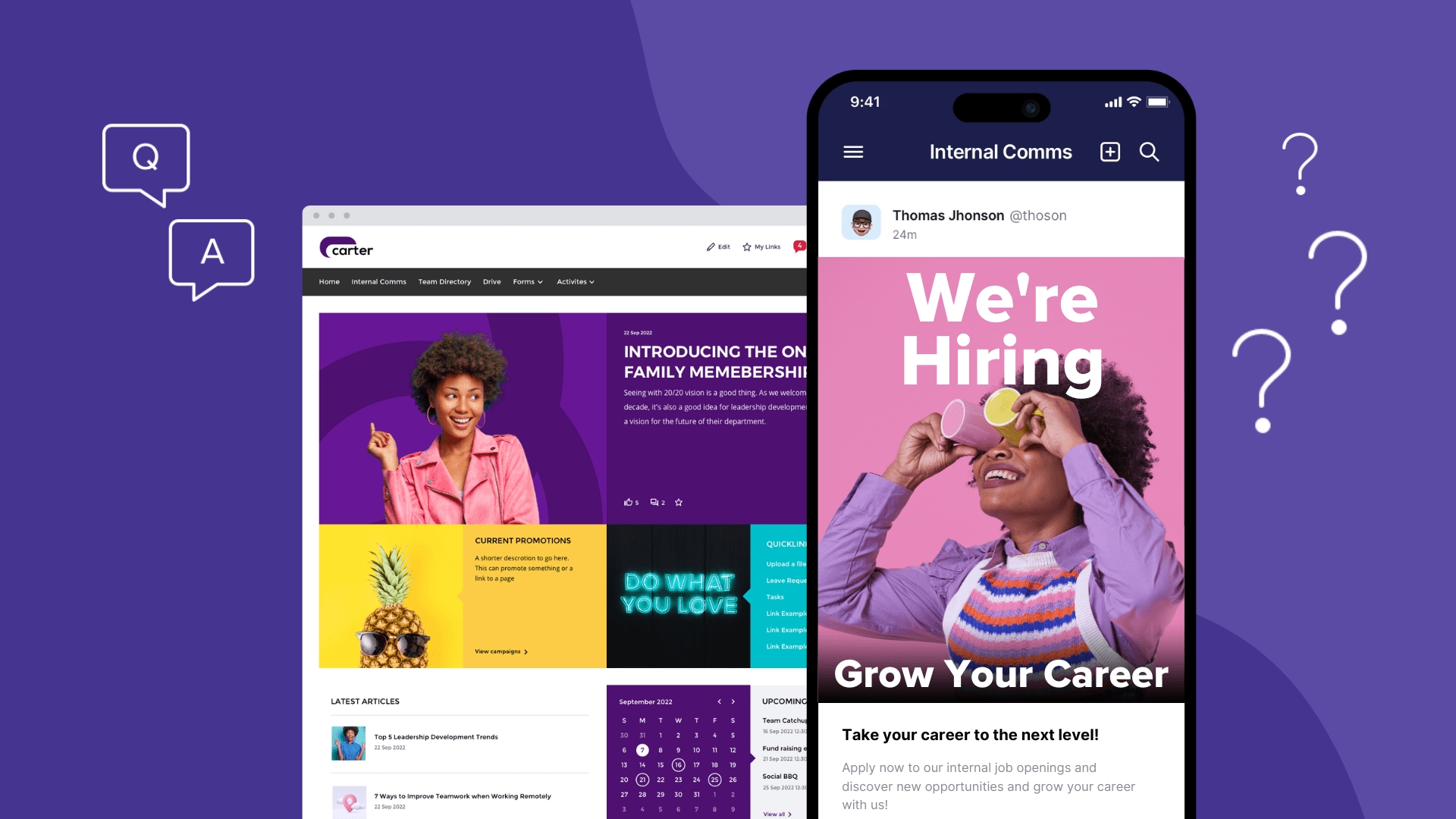
CentricMinds Modern Intranet is for the long-form work that SharePoint usually gets used for. News articles, company updates, document management, digital forms, workflows, approvals, and change management communications. It comes with structured navigation, proper search, and a permissions model designed for organisations of a few hundred to a fthousands of people. No SPFx required. No Power Automate licensing surprises. No partner agency on retainer to keep the lights on.
See CentricMinds Modern Intranet →
Work App
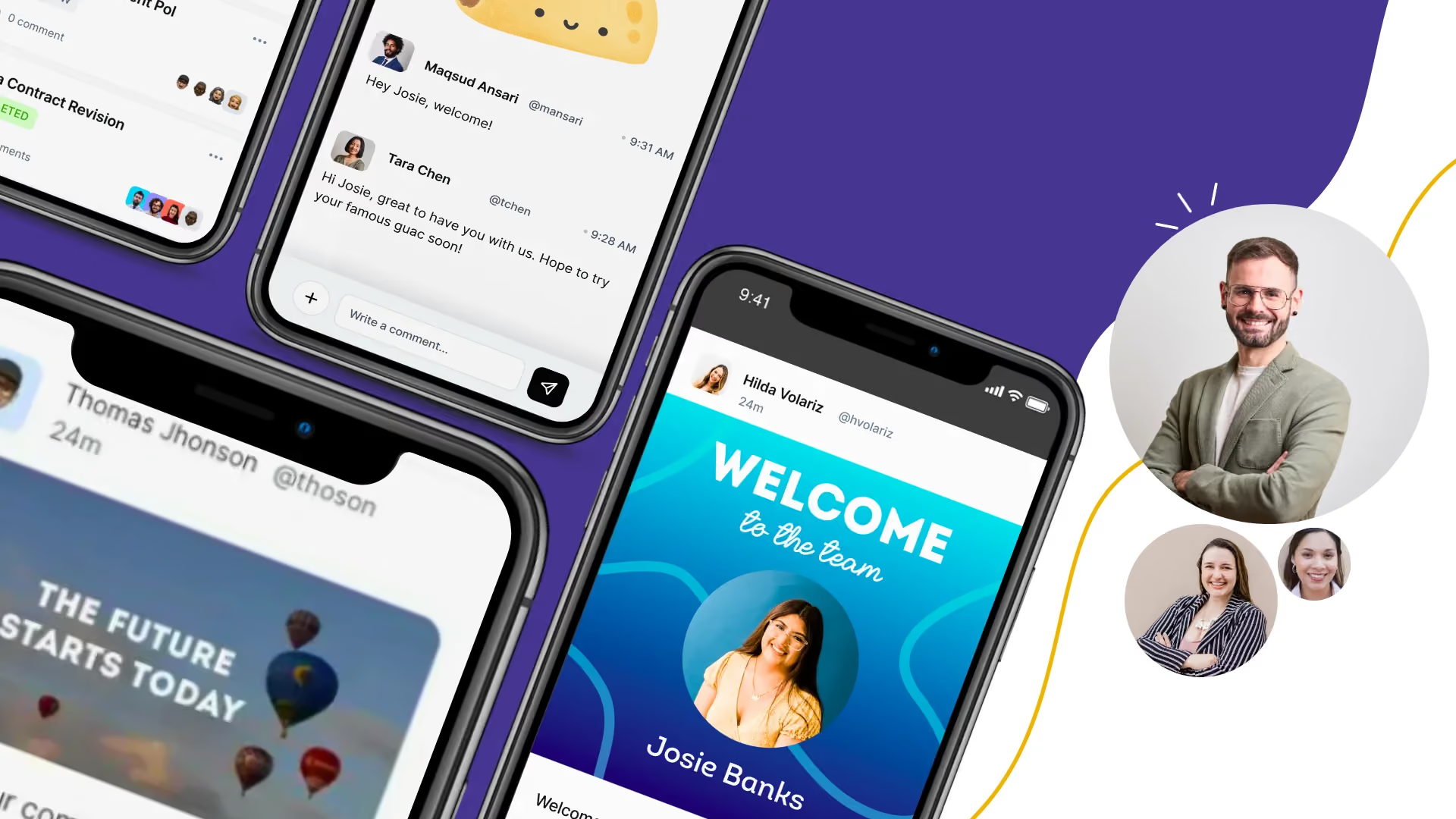
The Work App is for the daily back and forth that SharePoint was never built for. Team chat, channels, company news, Praise for peer recognition, Wellbeing check-ins, and Polls. Available on desktop, and mobile, so your frontline teams get the same experience as head office. External users like suppliers, partners, and contractors can be added to channels alongside your internal staff. Start with a 7-day free trial, no credit card required.
Start a free 7 day trial of the Work App →
Both products integrate with the tools your team already uses, including Google Workspace and Microsoft 365. SOC 2 Type II, ISO 42001, GDPR, and HIPAA compliance are built in.
Hosted on AWS, Azure, or your own cloud.
If you are trying to decide whether another year of SharePoint customization is the right call, or whether it might be time to look at something purpose-built for the job, start with the free trial of the Work App or book a demo of the Staff Intranet.