
.avif)


Teams using CentricMinds









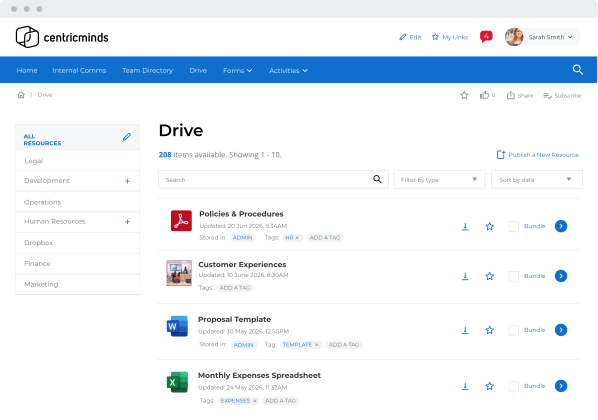
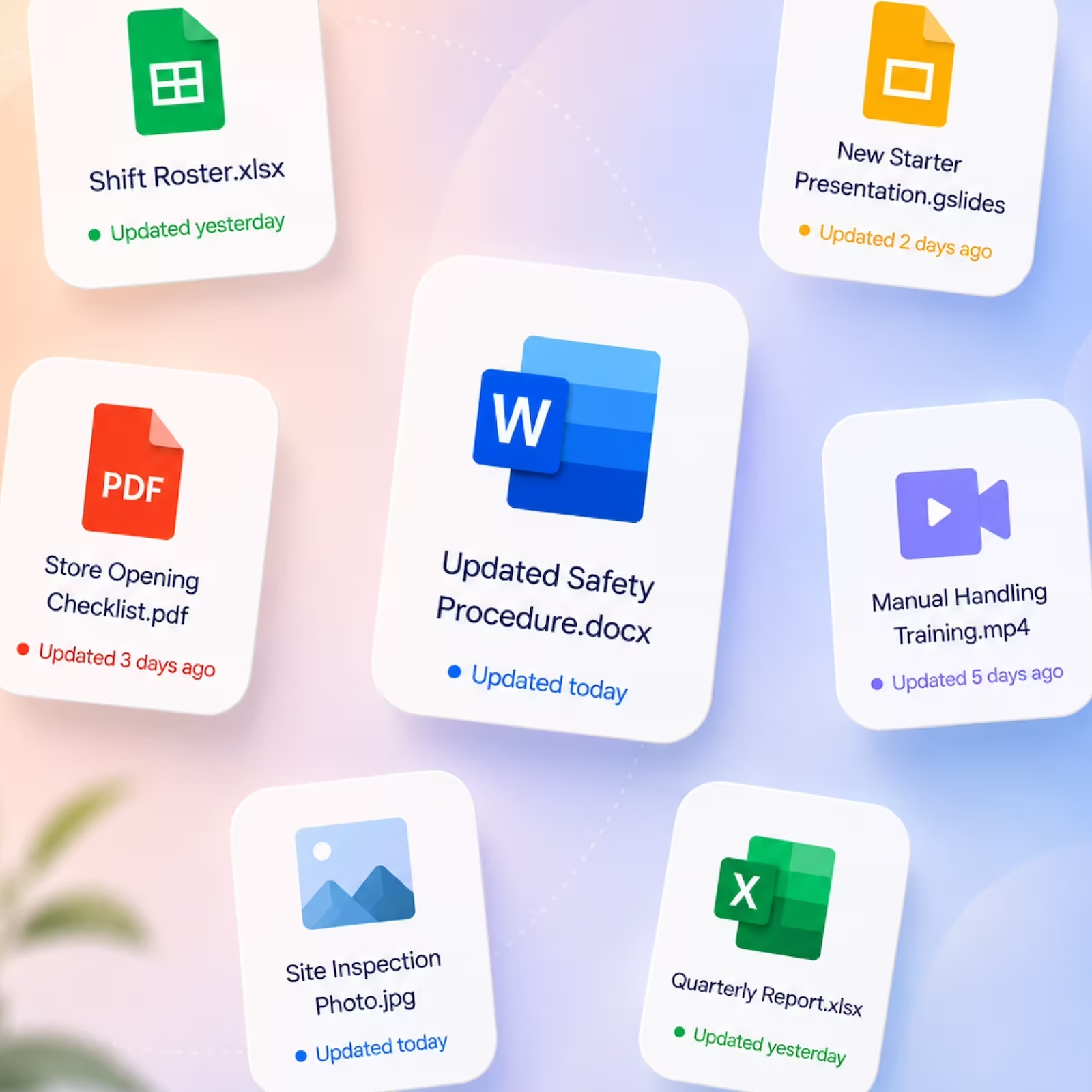
Documents and Policies
One place for every policy. Always the right version.
When staff can't find the policy they need, they ask someone. That person asks someone else. The right version lives in the intranet, searchable, versioned, and always current. No more emailing attachments or wondering if the document has been updated.

Always the right version

Access for the right people


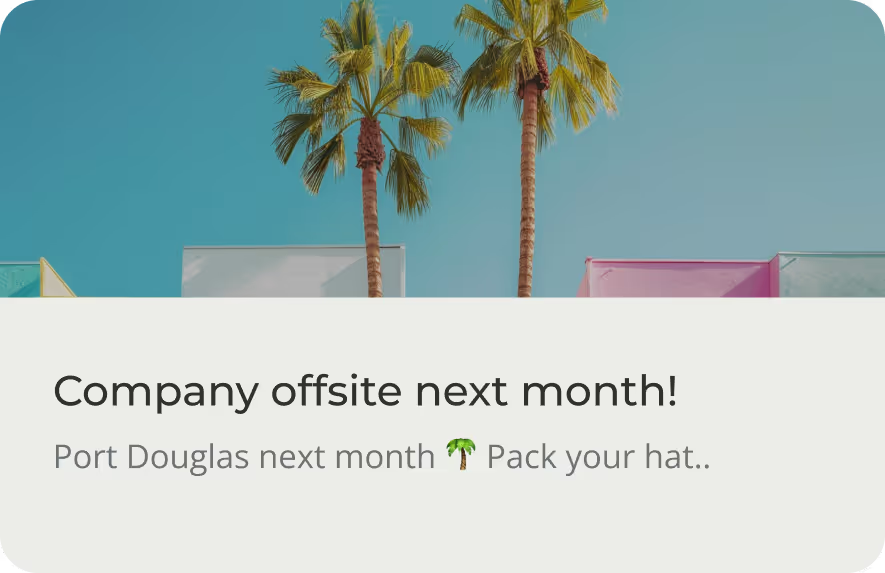
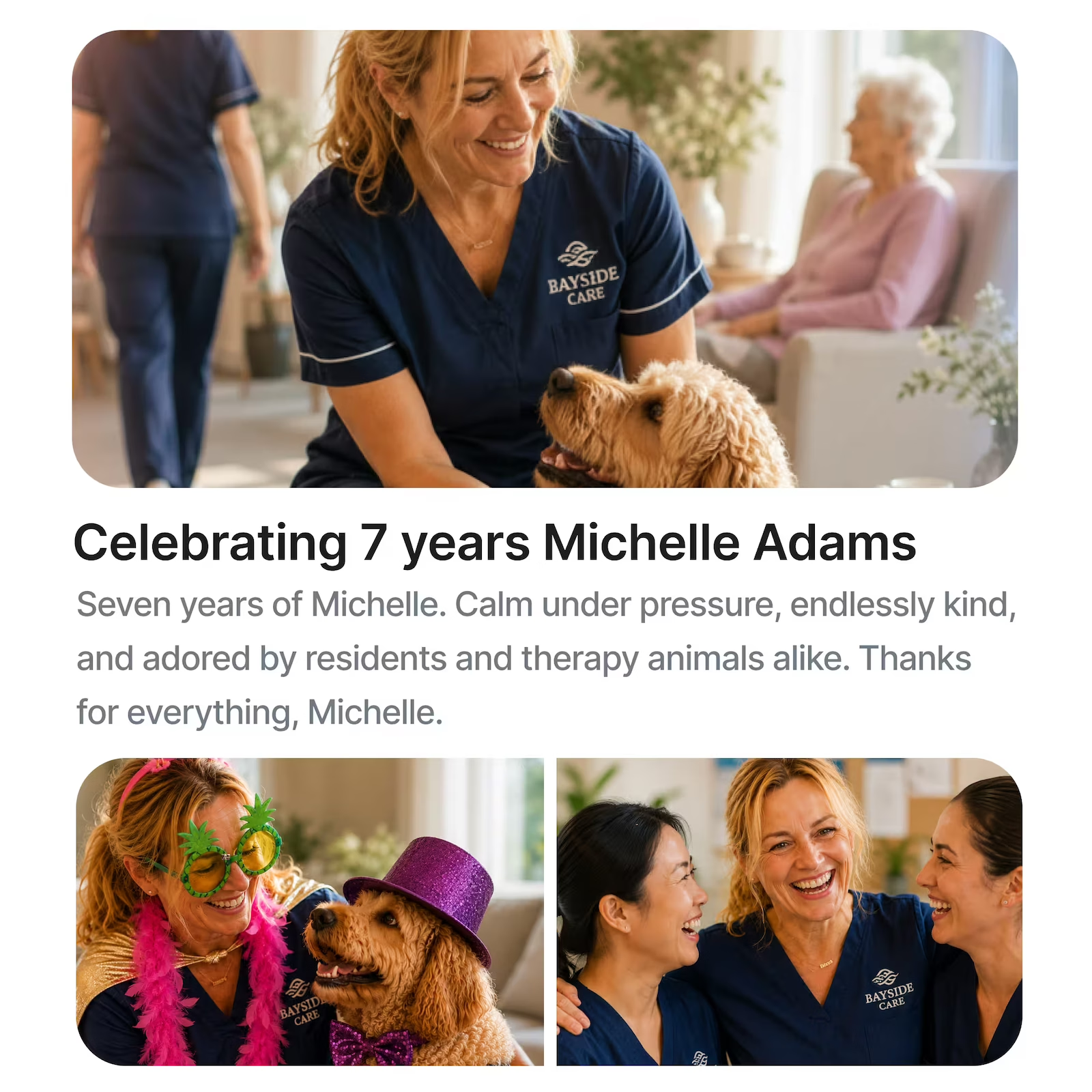
Company News & Communications
News that reaches everyone. Not just the people at their desks.
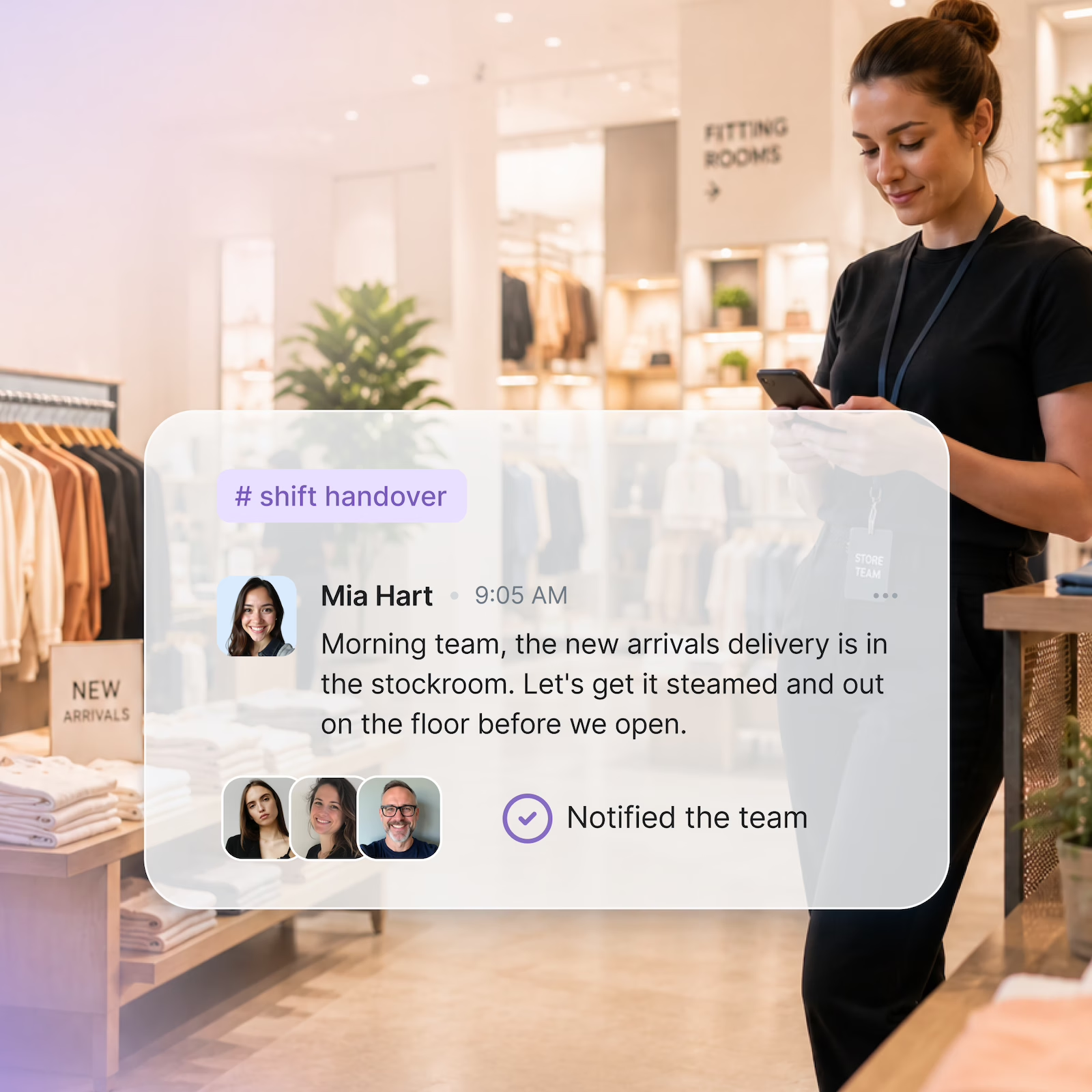
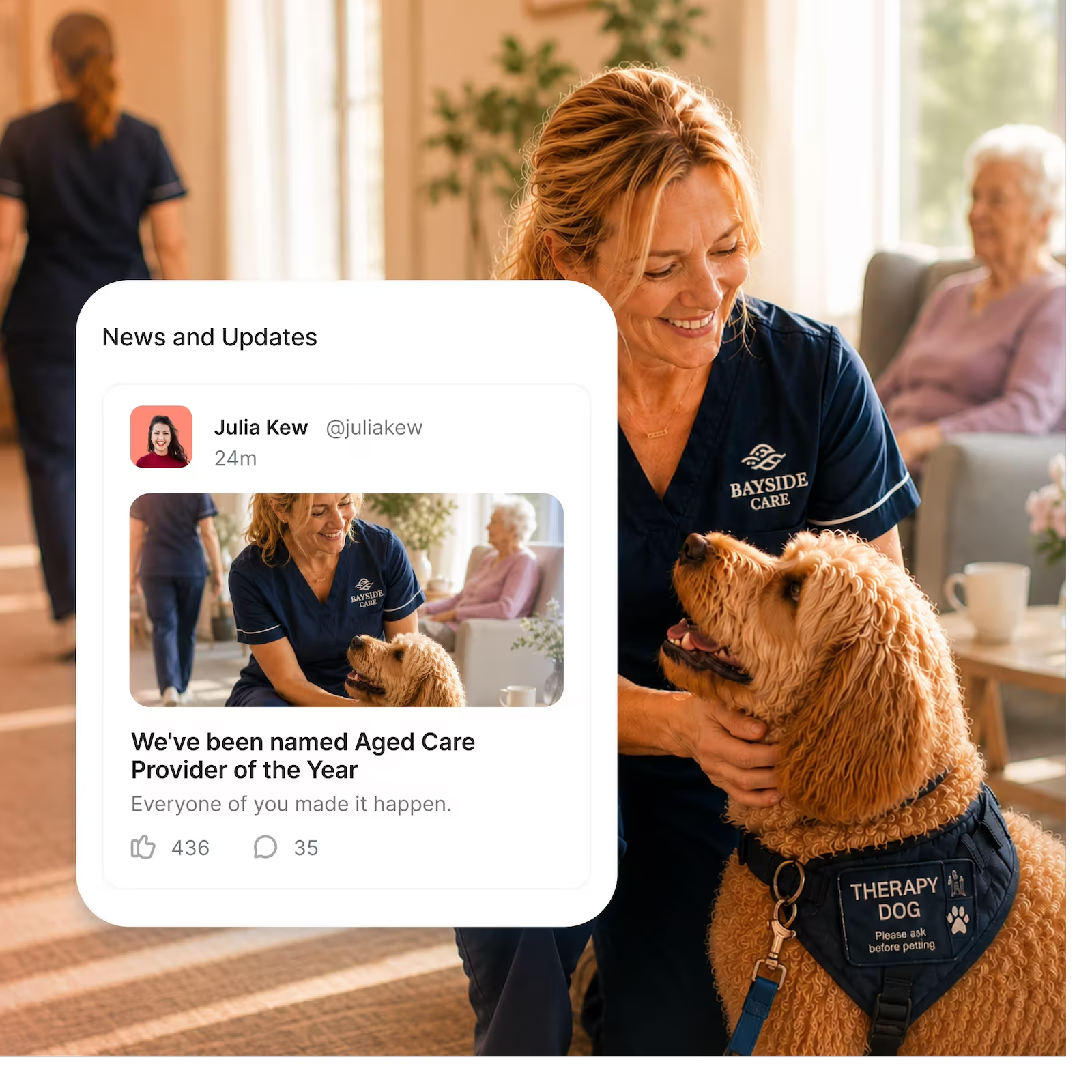
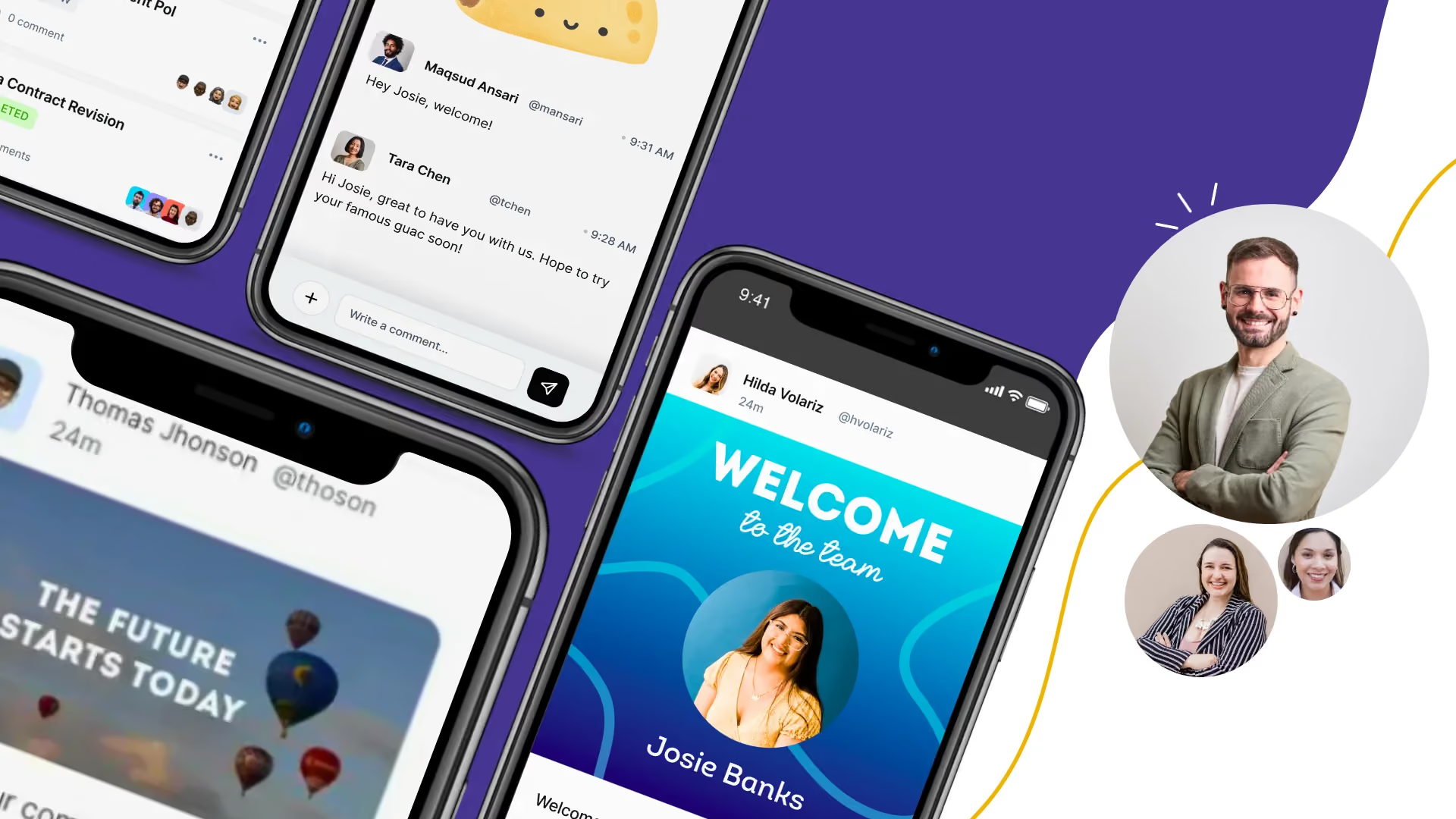
Post company announcements, team updates, and policy changes to the intranet and the mobile app at the same time. Whether your team is in a hospital ward, on a retail floor, or working from home. They see it.

Post to everyone. Or just the right team.

Know who read it.

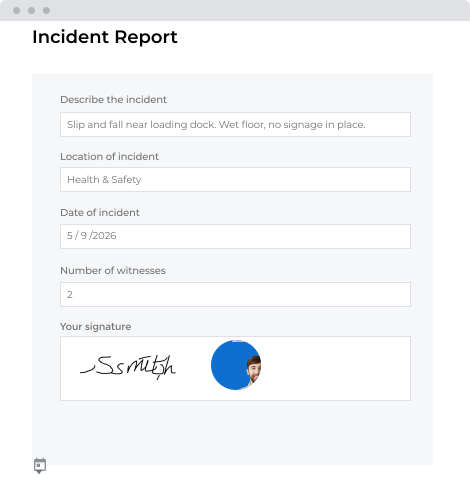
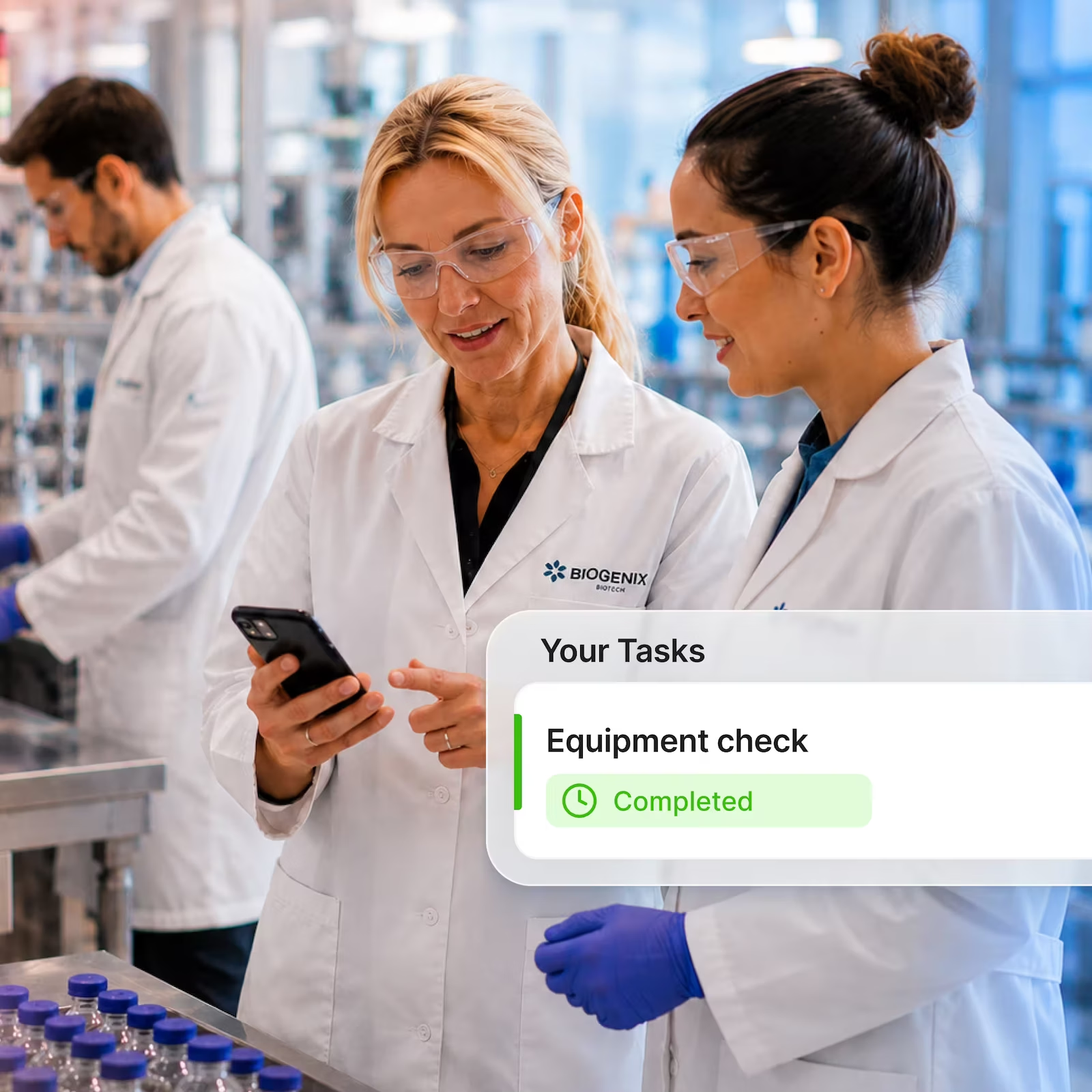
Forms & Approvals
Stop chasing approvals through email.
Leave requests, incident reports, onboarding checklists — built once in the intranet, submitted in seconds, tracked in real time. No more digging through inboxes to see where something is stuck.

Built once. Used forever.

No inbox required
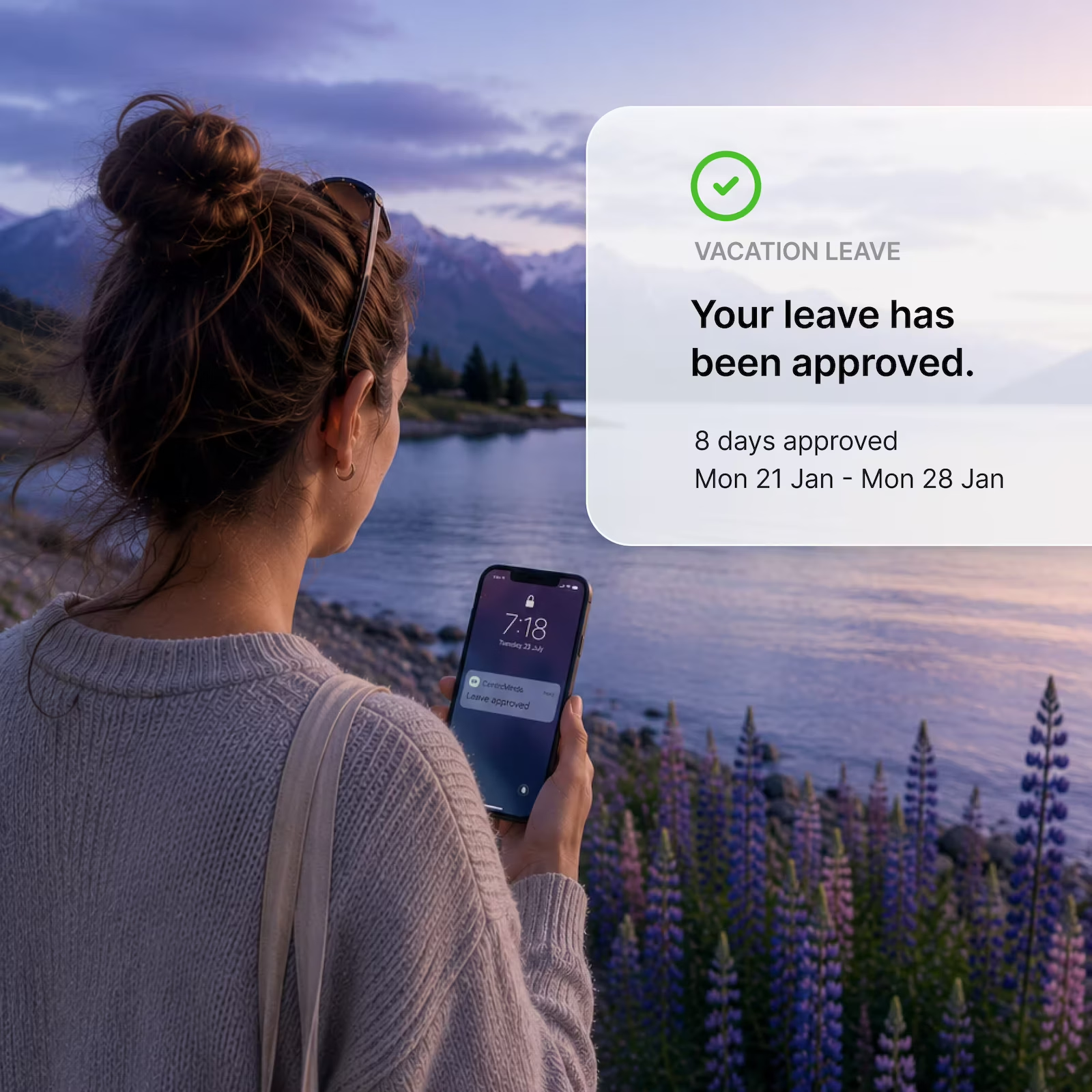

Other features
Stop losing time to things that should just work.

Enterprise search
If staff can't find it, it doesn't exist. Now they can.
Native Forms & Workflow
Build simple surveys, or a complex tender management solution.
Task management
Assigned. Tracked. Done. No separate tool.

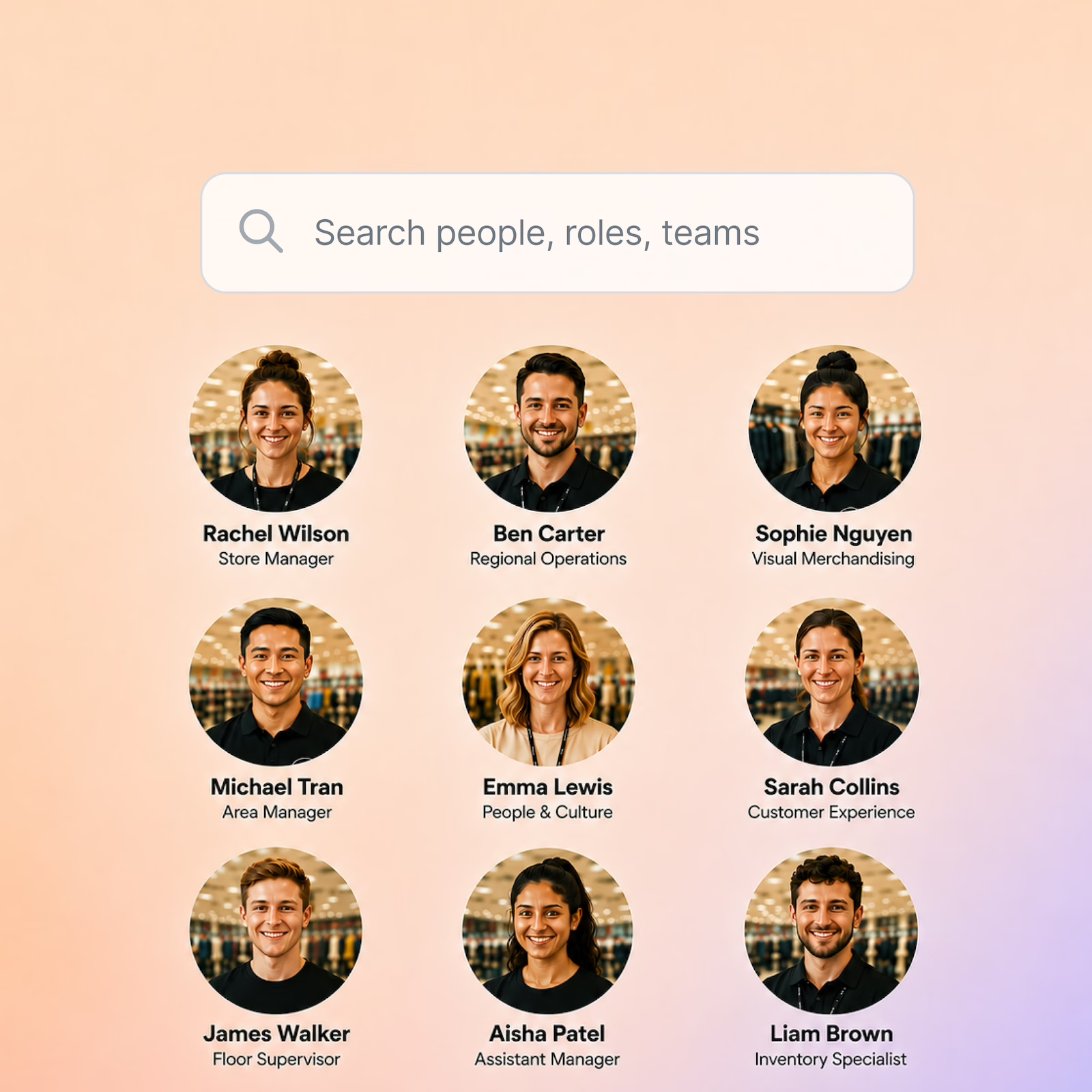
People directory
Find the right person fast. Name, role, location.
Integrations






Connect with your tools
Google Workspace
Microsoft 365
Entra ID
DocuSign
Okta
Zapier
Google Workspace
Microsoft 365
Entra ID
DocuSign
Okta
Zapier


Backed by G2 customer reviews
Loved by People. Trusted by Teams

How long does it take to set up an Intranet?

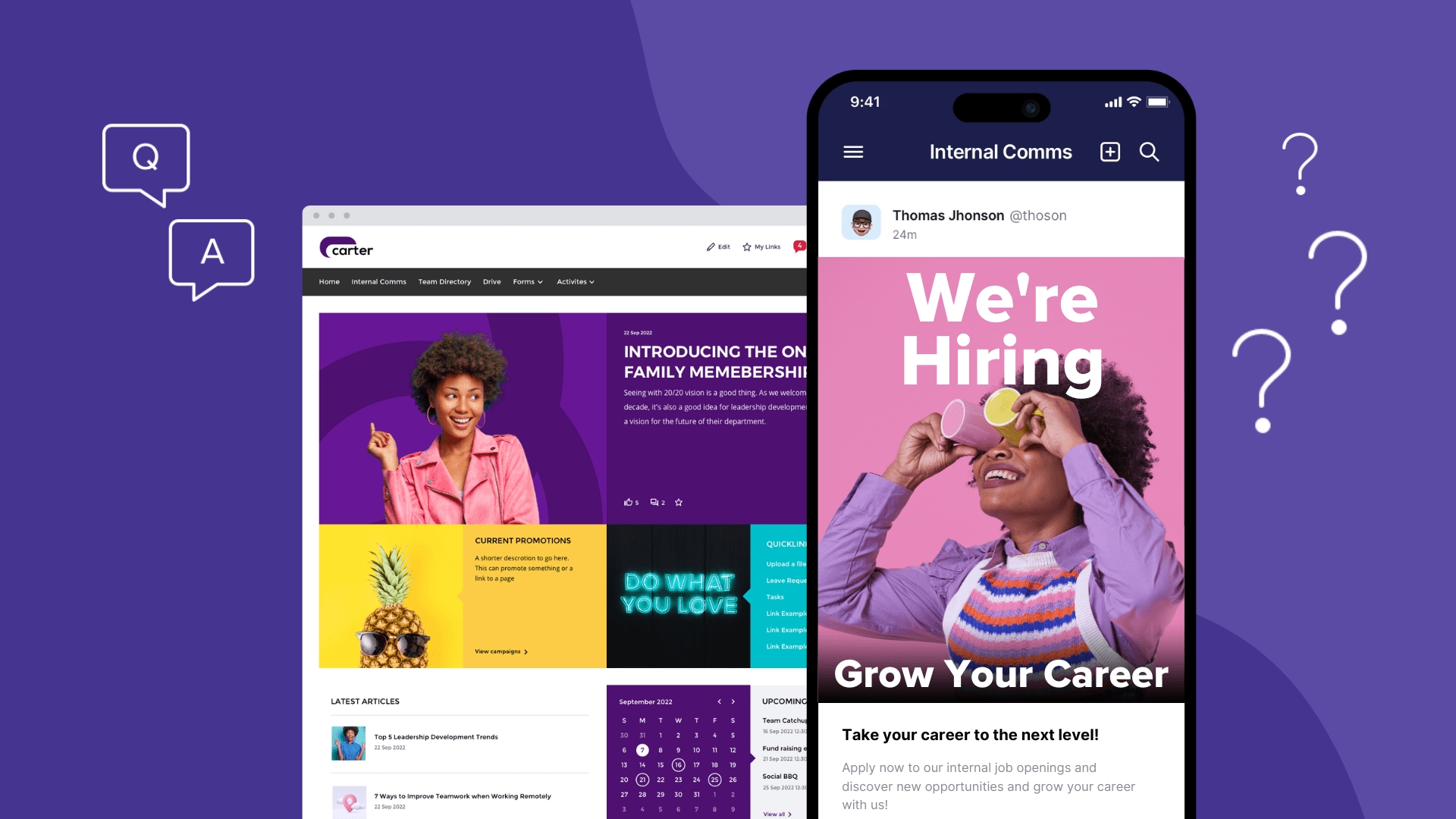
Most teams are live in weeks, not months. There’s no lengthy development process or long implementation timeframe. We’ve designed this to be efficient as possible.
Do we require our IT team to lead and manage this?
No. We typically work directly with users from across the business (HR, Marketing, Comms and Executive) to plan and implement a successful Intranet. We do work with your IT team when it comes to SSO and MFA setup and support.
What if all of our users aren’t stored in Entra ID or Google Cloud Identity
No problem. CentricMinds provides its own security model, which supports a hybrid approach to onboarding and securing user access; a combination of Entra ID, CentricMinds native accounts and Google Cloud Identity can all be supported from within the single environment.
How is CentricMinds Intranet different from SharePoint?
SharePoint typically takes a team to plan, design and then develop a new Intranet, and this effort usually takes much longer than expected and expands original budgeting. CentricMinds is referred to as an ‘out of the box’ Intranet, and is successful in meeting smaller launch windows where customers have less team resources.
How much does the typical Intranet project cost?
Take a look at our Intranet pricing page to see what plan best suits you.