How to replace WhatsApp groups for staff communication
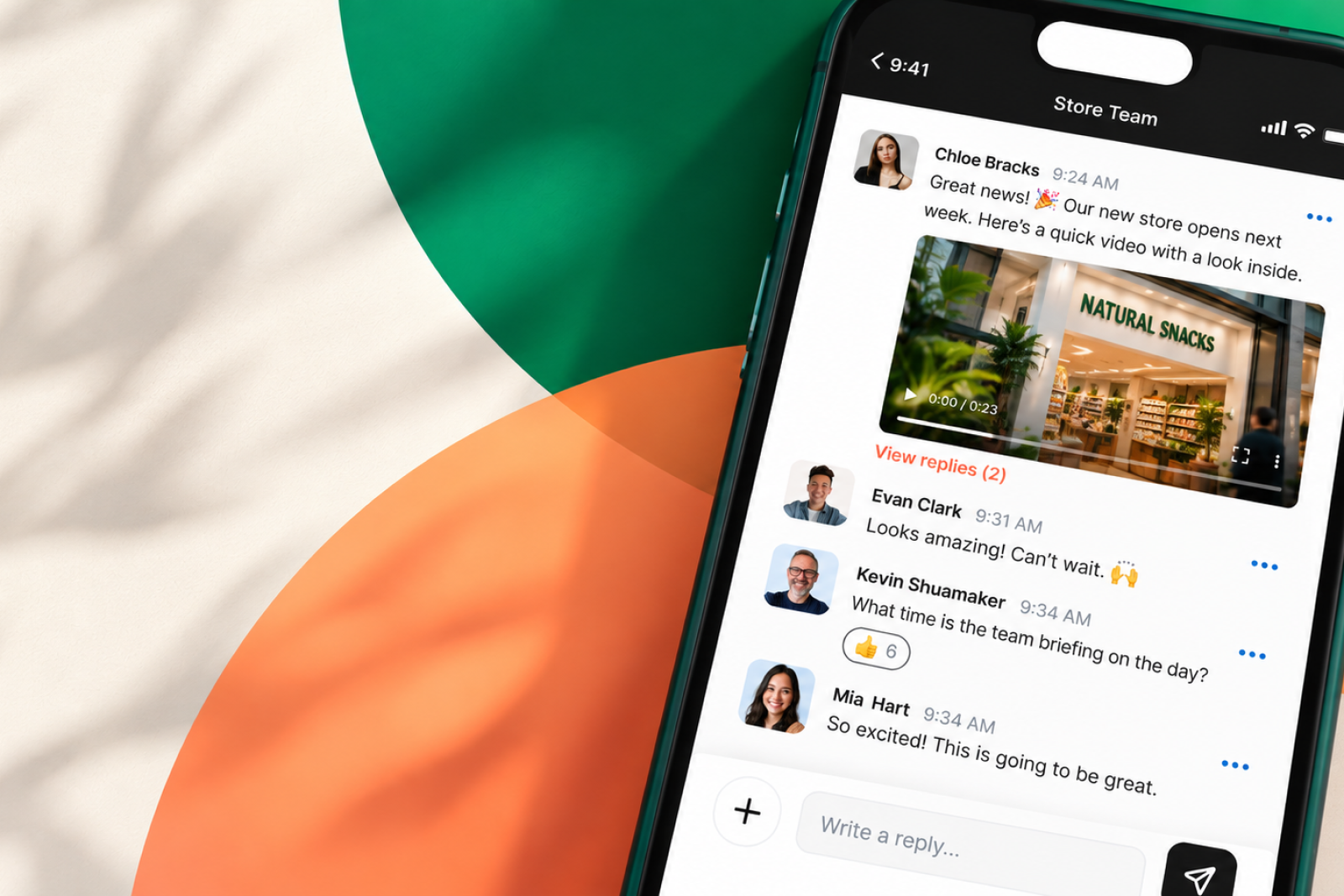
Every business with casual staff has ended up here. One manager made a WhatsApp group to sort Thursday's shift. Now three years later there are forty of them, and nobody's in charge of any.
Getting out isn't hard, but there are two decisions to make: what will replace WhatsApp, and how will you move people across without losing them?
What can you use instead of WhatsApp for staff communication?
If you're replacing WhatsApp for frontline, casual or shift-based staff, look for a work chat app that lets people join without a company email address, keeps personal phone numbers private, and gives the business central control over channels and access.
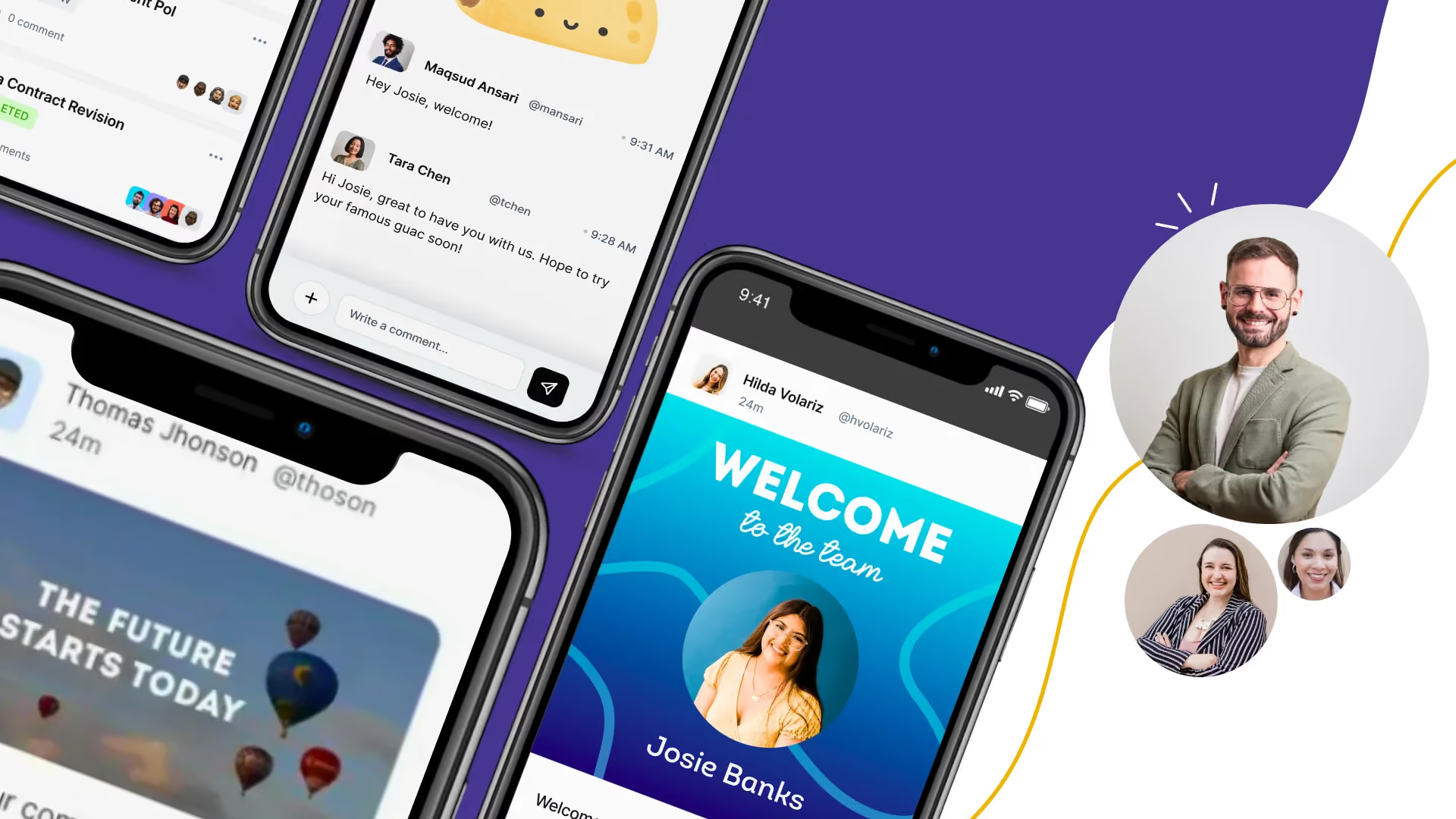
CentricMinds Work Chat is built for this use case. You sign up with a work email. Your team can join with personal email, so they don't need a company email account and don't have to share their personal phone number with colleagues.
It gives teams one place for group chat, direct messages, company updates, polls and recognition, while the business manages the channels and access.

 Work Chat
Once you've chosen the replacement, start with one team
Don't move everyone at once. Start with one team, get them using it, then do the next thing.
- Find out what WhatsApp groups exist and who's still in them.
- Set up the new work chat for one team and invite them.
- Run both for a couple of weeks, but move rosters, shift cover and urgent notices to the new place.
- Once people have moved, close the old WhatsApp group.
What your replacement needs to solve
WhatsApp is free, familiar and easy to use. That's why staff use it. A replacement has to keep that simplicity while fixing the things WhatsApp groups don't give the business:
- Central control. WhatsApp groups are administered group by group rather than through a company-wide account.
- Personal number privacy. Members of an ordinary WhatsApp group can see each other's phone numbers.
- Business access to records. WhatsApp chat exports are run by participants from their own devices rather than through a central employer account.
- Access for staff without company email. This is especially important for casual, frontline and shift-based teams.
- Clearer work boundaries. Work communication can sit separately from people's personal messages.
Why businesses move: the problem is control, not messaging
Most businesses with frontline staff didn't decide to run operations on WhatsApp. It happened organically as it’s free and generally fulfils simple tasks. One manager made a group, so people could swap shifts. It worked. Someone else copied it. Before long there are multiple groups, nobody is quite sure who's in all of them, and work updates are mixed in with shift swaps and everyday chat.
That's worth saying plainly, because it explains why replacing WhatsApp is harder than it looks. WhatsApp won on merit. Everyone already had it, it needed no licence, no work email and no training, and people actually read it. Any replacement has to keep that simplicity while giving the business more control.
Four reasons come up repeatedly. Only one of them is about technology.
Nobody controls who is in the groups. When a casual leaves, they stay in the group until someone notices. They keep seeing rosters, incident chatter and internal messages. There is no offboarding step because there is no admin.
Everyone can see everyone's personal number. When you're added to an ordinary WhatsApp group, all members of the group see your phone number. That's WhatsApp's own description, not ours. That is a real problem for supervisors, for anyone who has left a bad relationship, and for anyone who would simply rather not be contactable by a colleague at midnight. WhatsApp's Communities feature offers some number privacy, but administrators still see every number, and a business that drifted into staff groups is almost certainly not running Communities.
You can't produce anything later. If a dispute lands, you may need to show what was actually said. What roster change was agreed, what instruction was given, what someone was told about their performance. On WhatsApp that history sits on individual people's personal phones. You don't control it and you can't get it back once they've left.
After-hours contact has no boundary. Work messages arrive on a personal phone, in the same app as family photos, with no distinction between an urgent site closure and someone asking about Thursday. Whether that matters legally depends on where you operate. Whether it matters to your staff does not.
None of this is a reason to panic. WhatsApp groups are not illegal and nobody is coming for you. But most businesses that look at the list above decide they'd rather the work conversation happened somewhere they own.
How WhatsApp groups actually work, as of September 2026
Most write-ups on this topic are two or three years old and several of their claims are now wrong. Here is the current position, taken from WhatsApp's own pages where possible.
Phone numbers. WhatsApp's Privacy at a Glance page states that when you are added to a group, all members of the group will see your phone number. In a Community, it's visible only to community admins, people who have saved you as a contact, and people who already have your number from other chats. So Communities narrows it, but admins still see every number, and running Communities is a deliberate choice rather than what happens when managers make groups.
History for new members changed in February 2026. Until then, someone added to a group saw nothing sent before they joined. WhatsApp announced Group Message History on 19 February 2026: when you add someone, you can choose to send them the last 25 to 100 messages. Three things about it matter. It is a deliberate action, not automatic, so if the person adding them skips the prompt the new member still sees nothing. Admins can disable it for their group, though admins keep the ability themselves. And everyone in the group is notified when history is sent, with timestamps and sender details. It is also still rolling out gradually, so not every user has it.
If you read anywhere that new WhatsApp group members cannot see any prior messages, that was true until February 2026 and is now out of date.
Admins are per-group, not per-company. Group admins can add and remove members, restrict who posts, approve joiners and reset invite links. What does not exist is any layer above that. There is no company account, no tenant, no console. Each group belongs to the personal WhatsApp account that created it, which is usually a manager's own phone. Nobody at the organisation can list every group that exists, audit who is in them, or remove a departing employee centrally.
Exporting a conversation is possible, but not by the employer. WhatsApp's Export chat feature produces a .txt file, optionally with a media archive. It caps at roughly 40,000 messages without media or 10,000 with. It only runs in the Android and iPhone apps, not WhatsApp Web, and it can only be run by someone who is in the chat, on their own device. No one else in the group is notified. So if a dispute lands and you need the conversation, you are asking a current or former employee to produce it from their personal phone. Whether they still have it, and whether they will, is not something you control.
Linked devices work without the phone, but the account is still one person. Up to four linked devices, such as a PC, tablet or second phone, run independently once set up. The phone only has to be present for linking, changing number and security settings; it can be switched off the rest of the time. What hasn't changed is that the account is a phone number belonging to one person. A shared back-office computer linked to WhatsApp is logged in as whichever manager linked it, and everyone who uses it is sending as that person.
Sources: WhatsApp's groups page for admin controls, WhatsApp's Privacy at a Glance page for phone number visibility in groups and Communities, WhatsApp's Help Center page on linked devices for the four-device limit and the primary phone requirement, and WhatsApp's 19 February 2026 announcement for Group Message History. Export limits are widely reported but not published by WhatsApp in a single place, so treat the exact message counts as approximate.
If you employ people in Australia
Two things are worth knowing specifically. Skip this section if it doesn't apply to you.
The right to disconnect. Since 26 August 2024 for employers with fifteen or more employees, and 26 August 2025 for small business, employees have had the right to refuse to monitor, read or respond to work contact outside their working hours, unless that refusal is unreasonable. This does not prohibit you from contacting anyone, and it isn't a rule you can breach by sending a message. It does mean after-hours contact is now a conversation to have deliberately rather than by accident, and a staff WhatsApp group is the least deliberate version possible. The right also covers contact from third parties, so customers or clients messaging staff after hours counts too.
Record-keeping is narrower than people assume. The Fair Work seven-year obligation covers time and wages records, not chat messages, so running staff groups on WhatsApp is not a compliance breach. The exposure is evidentiary instead. When an unfair dismissal or underpayment claim arrives, the conversation you need to produce is on somebody's personal phone, and that person may have left eighteen months ago. Separately, where required records weren't kept at all, an employer can end up having to prove to a court that it didn't underpay someone.
Other countries have their own versions of both. If you employ people outside Australia, check locally rather than assuming this section applies.
Before you start: the groups are doing five jobs, not one
Businesses that get stuck here try to replace WhatsApp with a project management tool. Frontline staff don't want a project management tool. Write down what the groups are genuinely being used for. In almost every case it is some mix of:
- Shift cover. "Can anyone do Thursday?" is the single most common message, and it's staff asking each other, not a manager posting. Nobody tracks it, because the thread is the tracking: whoever replies first has the shift.
- Urgent operational notices ("the freezer's down", "we're closing early")
- Company news, forwarded into the group by the manager because nobody reads the email
- Asking a quick question of one person
- Recognition and social chat, which matters more than people admit
If your replacement doesn't handle the last one, staff will keep a WhatsApp group running for it, and then the operational stuff drifts back too. Plan for the social side rather than trying to stamp it out.
The plan, step by step
Step 1: list every group that exists
List every group. Ask your managers, because you will not know about most of them. For each one: who created it, roughly how many people, what it is for, and whether anyone in it has left the business.
That last column is the one that gets the project approved.
Step 2: pick the platform and start with one team
Don't roll out everywhere. Pick one team with a manager who is willing. If you're a single site, that might be one shift or one department. Ideally somewhere with a mix of full-time and casual staff, because casuals are where every rollout either works or falls over.
Set up the channels to match how the business is actually organised. Location, team, shift. Not a single company-wide channel, and not forty channels either. Create them in priority order: the rostering channel and the site channel people will open every day first, then anything else. Name one person at the site who is accountable for their own team getting on. Rollouts that send invitations from head office and wait tend to stall.
Step 3: run both systems in parallel
Both systems run at once. This feels wasteful and it is the step people skip. Do it anyway.

Two rules for the pilot:
- Everything operational goes in the new platform only. Rosters, shift cover, urgent notices. If a roster change appears in both places, nobody moves. Shift cover is the hard one, because it's staff asking each other. When someone posts "can anyone cover Thursday?" in WhatsApp, the manager replies once, in the new channel, and doesn't answer it in WhatsApp again.
- Nobody gets told off for using WhatsApp. You are competing on whether the new thing is better, not on enforcement.
Watch for one thing: are staff opening it without being chased? If they aren't after a couple of weeks, the problem is the platform or the channel structure, not the staff. Don't move to step 4 until they are.
Step 4: announce a date and close the groups
Announce a date. Move the last of the operational traffic. Then have managers post a final message in each WhatsApp group saying where things live now, and archive it.
Expect one or two groups to survive as genuinely social. That's fine. The goal was to get the operational conversation somewhere you control, not to police what staff do on their own phones.
What are the alternatives to WhatsApp for staff communication?
Businesses replacing WhatsApp for staff communication generally need a work chat or employee communication app that gives the business more control over work conversations and access.
For frontline, casual and part-time teams, look for a replacement that lets staff join without a company email address, keeps personal phone numbers private, works on personal phones, and lets the business manage access when people join or leave.
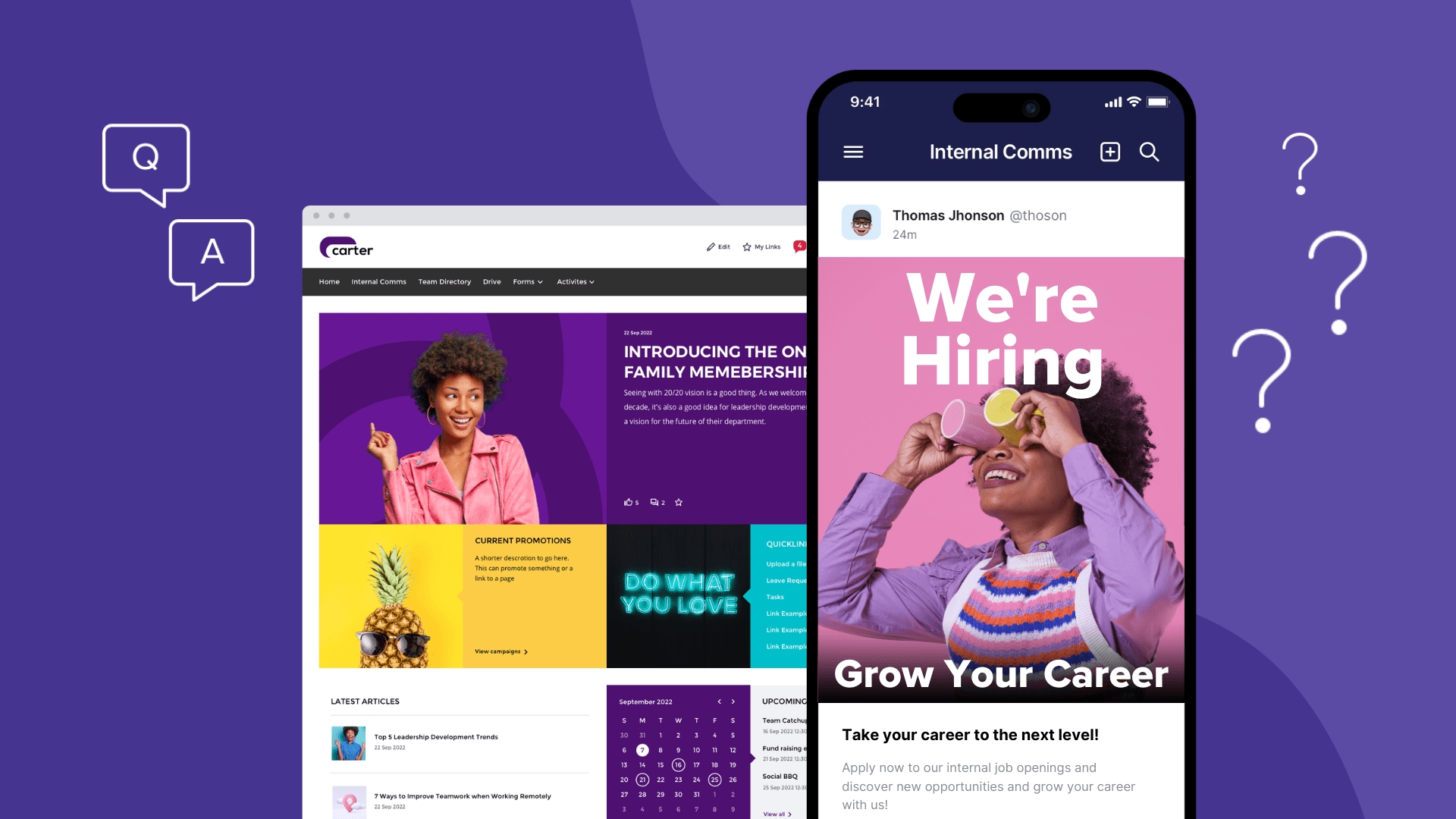
CentricMinds Work Chat is an option for frontline, casual and part-time teams. You sign up with a work email, while your team can join with a personal email. Staff can use team chat and direct messages, while the business can also publish company updates, run polls and recognition, and manage channels and access centrally.
What to check before replacing WhatsApp
Before choosing a work chat app, ask:
- Can staff join without a company email address?
- Can staff join without sharing their personal phone number with colleagues?
- What happens to someone's access when they leave, and who removes it?
- Can the business retrieve work conversations later if it needs them?
- Can staff control notifications outside working hours?
- Does it work on a personal phone without requiring a corporate device profile?
- Where is the data stored and who is responsible for it?
WhatsApp groups compared with CentricMinds Work Chat
Three things WhatsApp wins on, and they're the reason it got adopted in the first place. If these matter more to you than everything below, keep using it.
Both handle everyday messaging. These are ties, and it's worth being clear about that before the rest.
Where they differ.
Two notes. WhatsApp's Communities feature closes some of these gaps, including announcement-only posting, but it means deliberately running Communities rather than the groups that accumulated by themselves. And the 50-user minimum is real. Below that we are not the answer.
Where CentricMinds Work Chat fits, and where it doesn't
We build one of the products that answers those questions, so read this section with that in mind. Here is what is true, and what isn't.
Staff join with the personal email address they already use. No company email, no Microsoft licence, no directory entry. That's the whole reason the product exists, and it's the single thing that decides whether a frontline rollout works.
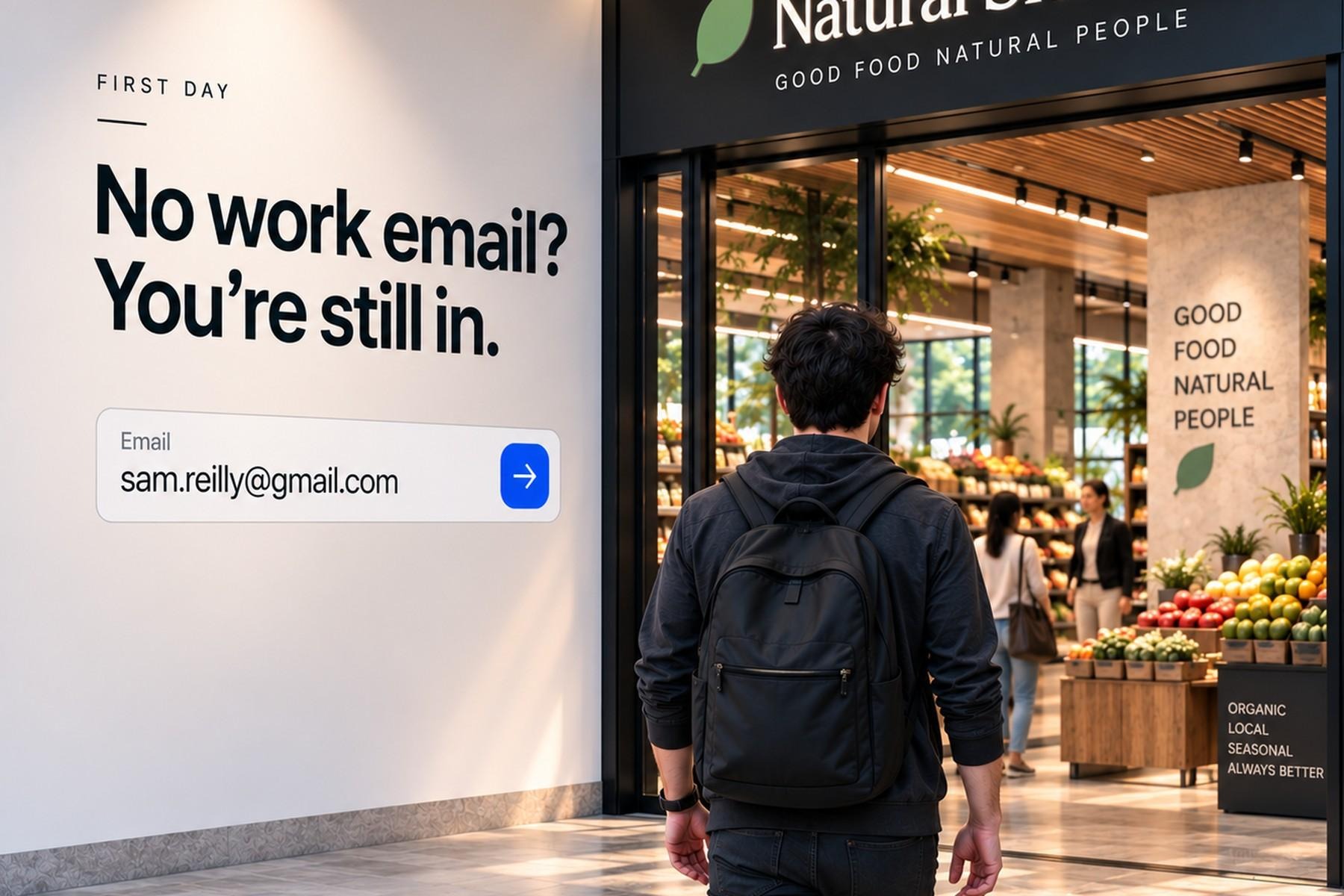
It's built for phones. Web, iOS and Android. Most work chat tools are built for desks and adapted for phones. This one is the other way around.
It covers the social side, not just the operational side. Team and location channels, company news, direct messages, polls, Praise for recognition, and anonymous wellbeing check-ins. Every feature is included on every plan. There's no tier where recognition costs extra.
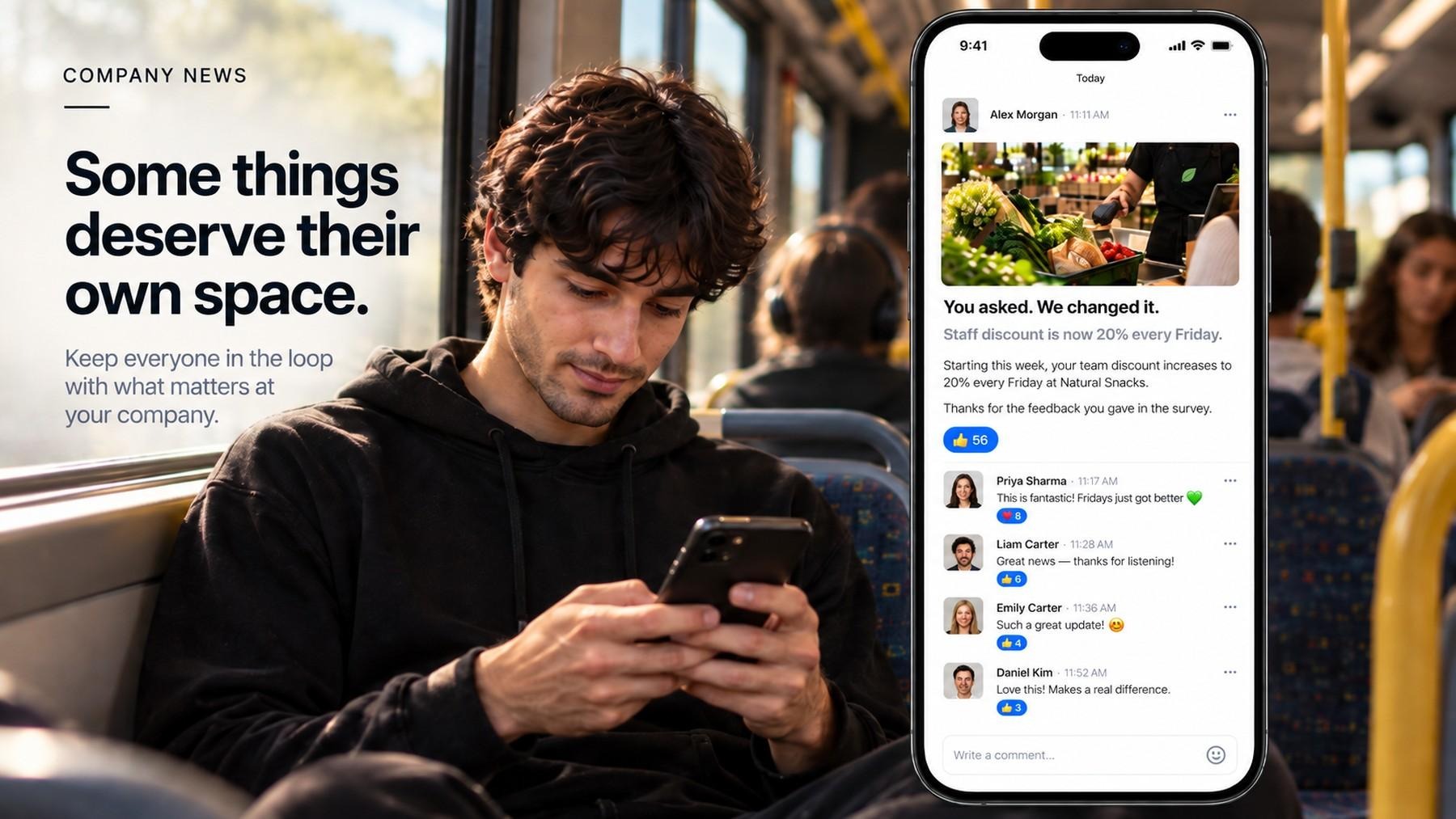
It carries your branding, not ours. Your logo and your colours, so staff open something that looks like their employer's app rather than a vendor's. That matters more than it sounds for adoption: you're asking people to install a second thing on a personal phone, and an app with a stranger's name on it is a harder ask.
Records stay with the business. When someone leaves, their channel history stays. An administrator can run an export; regular users can't pull archives themselves. Worth knowing that some competitors treat the opposite as the feature. Connecteam, for instance, presents non-exportability as a privacy benefit. Both positions are defensible, and which one you want depends on whether your bigger worry is producing evidence in a dispute or reassuring staff that nobody is reading their messages.
Offboarding is better, not automatic. If you use single sign-on, access goes when the account is deprovisioned. Staff added by invitation have to be removed by hand. The gain over WhatsApp isn't that it's automated, it's that there's one admin console with a list of who's actually in there, rather than forty groups on managers' personal phones and no way to audit any of them.
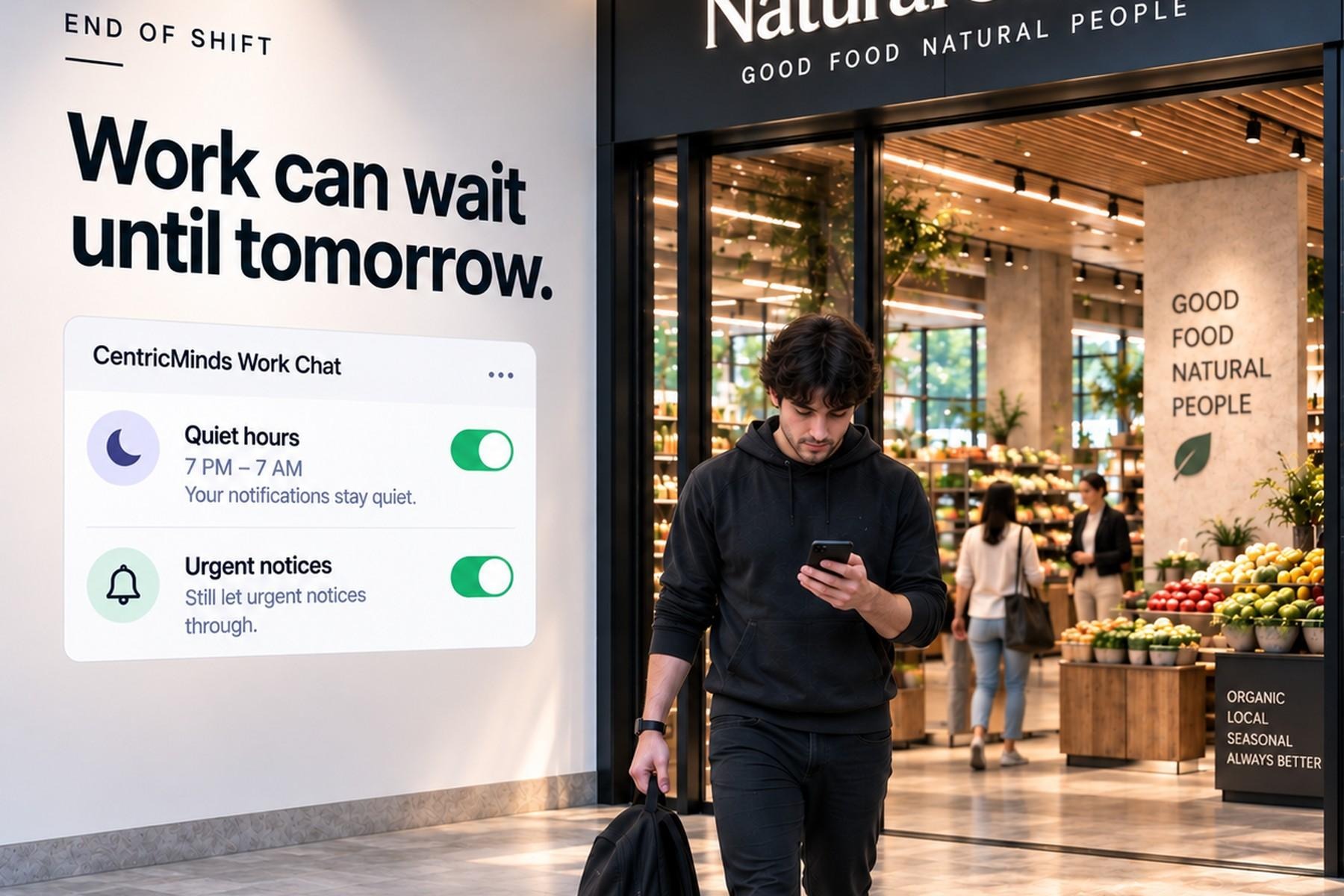
Quiet hours that work for shifts. A start time, an end time and days of the week, so someone who works Tuesday, Wednesday, Friday and Saturday isn't stuck with a Monday-to-Friday setting. Your organisation can set a default for a team and each person can change their own. Urgent notices such as a site closure can be set to come through regardless. Messages sent during quiet hours still arrive; the phone just stays silent until the person is back on.
Pricing is published. Minimum 50 users, in USD. $4 per user per month for 50 to 100 users, $3.50 for 100 to 250, and $2.50 for 250 to 500. Yearly billing takes 10% off, so $3.60, $3.15 and $2.25 respectively. For more than 500 users, contact us. For a 400 person operator, that's $1,000 a month for everything.
Security and hosting. SOC 2 Type II audited, ISO 42001 certified for AI management, HIPAA compliant. It runs in our cloud or in yours. We're an Australian company.
Minimum 50 users. Below that, a smaller tool will suit you better.
The fastest way to find out if CentricMinds Work Chat is right for you is to put it in front of one team for a week. Free 7-day trial, no credit card.
Which sounds like you?
Tick what's true.
Common questions
What is a good alternative to WhatsApp for staff communication?
If you're moving staff communication off WhatsApp, the right alternative depends on how your team works. If your whole workforce already uses Microsoft 365, Teams may make sense. If you're not a Microsoft shop, or you have frontline, casual and shift staff outside that environment, look for an app that's just as easy to use on a personal phone without requiring a company email or exposing personal phone numbers. CentricMinds Work Chat is one option, with chat, channels and company updates managed by the business.
Can casual staff use it without a company email address?
Yes. CentricMinds Work Chat lets staff join with the personal email address they already use.
Do staff have to share their phone number?
No. Staff are invited by email address. A phone number is an optional field on a person's profile and isn't shown to other team members.
What happens when someone leaves?
If your organisation uses single sign-on, access is removed when their account is deprovisioned. Staff who were added by invitation have to be removed manually, though that happens in one place rather than group by group.
Does their message history stay available after they've gone?
Yes. Channel history stays with the business rather than leaving with the person.
Can we export messages if there's a dispute?
An administrator can run an export. Regular users can't pull data archives themselves.
Can we control notifications outside working hours?
Yes. Quiet hours with a start time, end time and days of the week. Your organisation can set a default for a team, and each person can change their own. Urgent notices such as site closures can be set to come through regardless. Messages sent during quiet hours still arrive; the phone stays silent until the person is back on.
Can't we just use Microsoft Teams? We already pay for it.
If everyone you need to reach has a work email address and sits at a desk, yes, and you don't need this page. The problem is casual and shift staff. Teams needs a licensed account in your directory for every person, and nobody buys those for someone who might work eleven shifts and never come back. Guest access exists but is an administrative ordeal at scale and isn't designed for people who are staff. So the question isn't Teams or something else. It's what you do about the people who'll never have a work email.
Does it replace our intranet?
No. CentricMinds Work Chat handles the conversation. Policies, forms and documents are our Intranet, a separate product. Each works on its own, and they can run together if you want both.
How long does setup take?
A day or two to set up. Then you add one team at a time, and that pace is yours to set.
Work Chat
Set up a few channels, invite one team and use Work Chat for the conversations that would normally happen in WhatsApp.