CentricMinds vs. SharePoint - Which Intranet is Best for Your Business?
If you're in the process of evaluating or rethinking an intranet solution for your business, you've likely come across SharePoint. It's been a go-to for many enterprises, but that doesn't mean it's without its challenges. One of the biggest gaps? Communication. SharePoint's complexity can slow down teamwork, leaving teams relying on other Microsoft tools for real-time communication. 😕
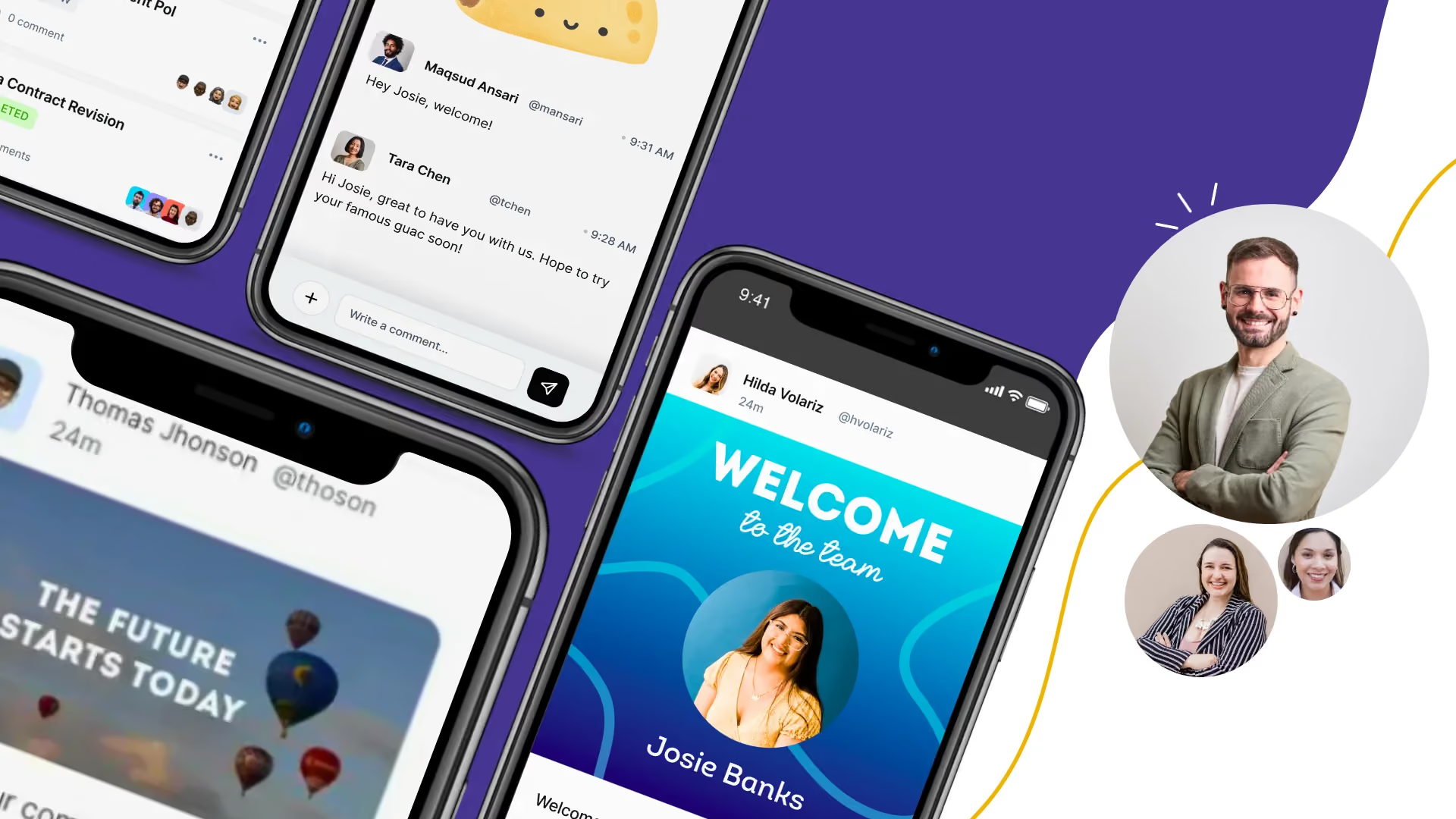
That's where CentricMinds comes in. Designed to be modern, intuitive, and social, CentricMinds offers real-time chat, community posts, and social feeds that make team communication seamless and natural within your intranet solution. 😊🚀 It delivers the power of an enterprise intranet with built-in communication features—no extra tools required.
Seamless Communication & Collaboration
.avif)
SharePoint - SharePoint focuses primarily on document management and collaboration within the Microsoft ecosystem. If you need real-time communication, you’ll be relying on Microsoft Teams, making the experience fragmented as teams juggle between apps to communicate effectively.
CentricMinds - Excels at team communication by integrating real-time chat, social feeds, and community posts all within one platform. Whether it's instant messaging, sharing updates, or recognizing team achievements, CentricMinds lets your teams communicate in real-time, which automatically builds a stronger workplace community. The intuitive interface allows users to create posts, like and comment, and engage with company-wide updates instantly.
- Real-Time Chat - Keep conversations flowing with integrated chat features that enable teams to message, collaborate, and respond without switching apps.
- Community Posts - Share important updates, announcements, or celebrations in a social media-style feed that lets team members engage and stay connected.
- Social Engagement: Like, comment, and react to posts, creating an engaging workplace community where everyone can participate and feel valued.
"CentricMinds makes communication feel natural, whether it's a quick chat or an important company-wide announcement." G2 Review
Advanced Document Management - Find What You Need, When You Need It
SharePoint - It’s known for document management and version control, integrating deeply with the Microsoft 365 suite. But it requires significant IT support to configure and maintain, especially for businesses handling large document libraries.
CentricMinds offers a user-friendly document management system that integrates effortlessly with both Google Workspace and Microsoft 365.
- Advanced Search - It’s not just about tagging and secure access. CentricMinds searches through the actual content of your files, delivering exactly what you need, every time. No more wasted time hunting for documents—just fast, relevant results.
- AI-Powered Interaction - With our partnership with New Dialogue AI, you can even chat directly with your files all within your own secure cloud.
- Easy File & Document - Users love how simple it is to manage files across platforms. Automated retention rules keep everything organized, secure, and compliant with minimal effort.
Effortless Task and Project Management
SharePoint - SharePoint integrates with Microsoft Planner for task management, but it's often considered basic. Teams might find it tricky to keep all tasks and projects aligned without jumping between apps.
CentricMinds – CentricMinds offers a comprehensive task management solution, perfect for managing projects. It simplifies assigning tasks, tracking progress, and collaborating effortlessly—all within one platform. With real-time updates, everyone stays aligned, minimizing confusion and keeping projects on track, driving productivity.
"The task management feature in CentricMinds has transformed our workflow, allowing us to track project progress and collaborate more effectively." — (G2 review)
Unified Collaboration Tools - Everything in One Place
SharePoint - While SharePoint offers some collaboration tools, these are largely tied to Microsoft Teams and OneDrive, leading to a fragmented user experience where users constantly switch between different apps to get things done.
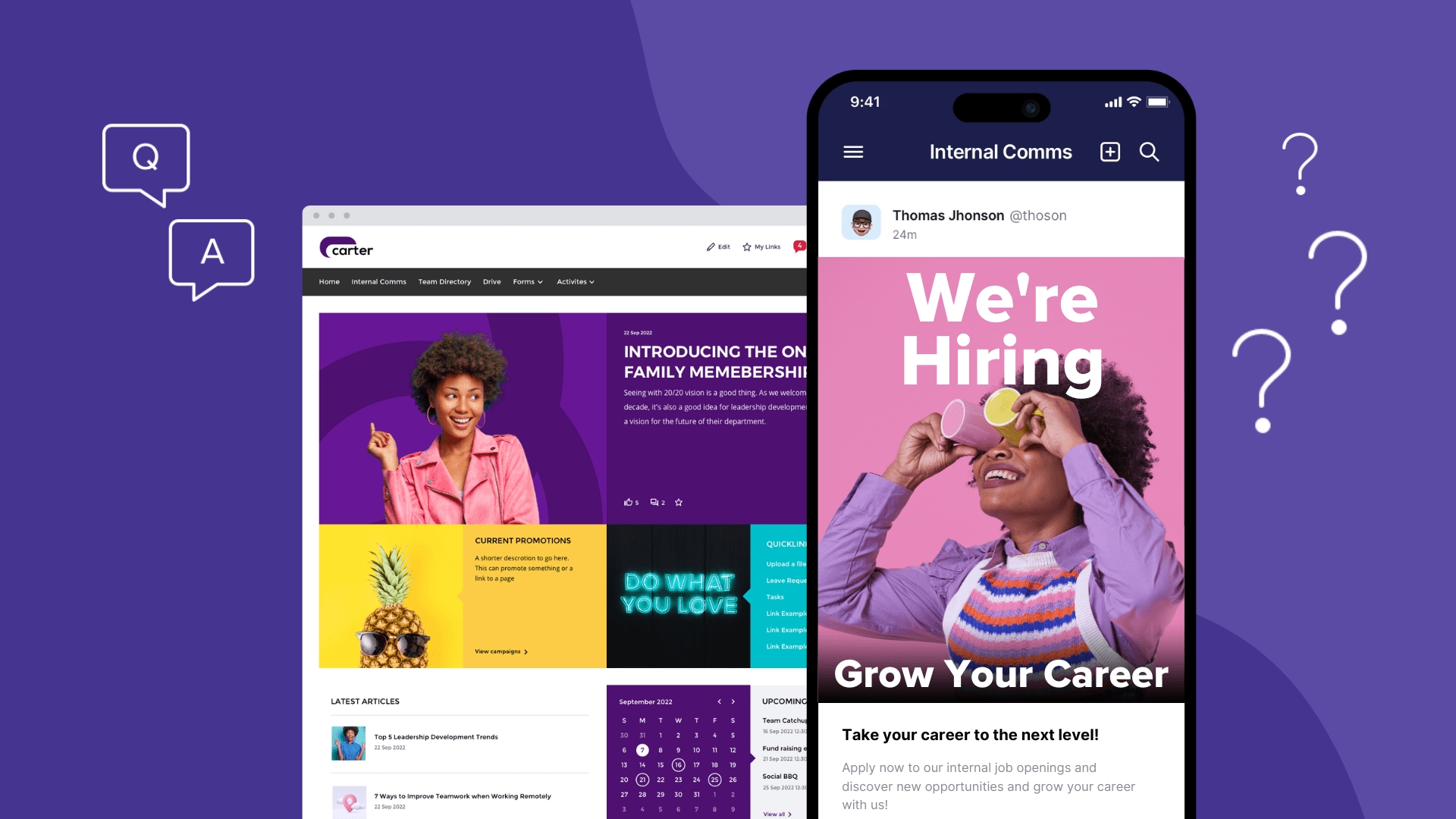
CentricMinds offers your people a modern intranet, backed by a dedicated employee app.
Publish company updates, documents, forms, workflows, and internal knowledge through the intranet, while the Employee App keeps teams connected through real time chat, channels, social feeds, task management, and mobile access to information.
Easy Form Building and Work-flow Automation
SharePoint - Form and Workflow automation in SharePoint means you’ll have to use Power Automate, which can add complexity and cost. Custom workflows typically need development expertise.
CentricMinds - Allows you to create forms with simple drag-and-drop elements or choose from a library of existing forms that can be quickly customized for various enterprise needs. No more waiting on IT—just create, post, collect data, and automate workflows with ease. Integration with other apps like Bamboo HR is simple through Zapier, allowing seamless data transfer.
Build a Positive Culture with Employee Recognition and Social Engagement
SharePoint - Doesn’t offer built-in tools for employee recognition, rewards, or social engagement. You’ll likely need to rely on integrations with Microsoft Viva or other third-party apps, adding complexity to your setup.
CentricMinds - Focuses on helping you build a positive culture and keeping your team connected with built-in tools that simplify employee engagement:
- Recognition & Rewards - Easily celebrate achievements, boosting morale and reinforcing a positive workplace culture.
- Social Feeds - Keep everyone in the loop with social media-style feeds for team updates, announcements, and celebrations. Employees can like, comment, and engage with posts, building a strong sense of community.
- Polls & Surveys - Quickly gather feedback and insights, enabling you to track employee engagement and make improvements where needed.
- Team Well-being Tracking - Use analytics to measure and monitor team well-being and engagement, allowing you to track and identify any toxic elements early, ensuring your culture remains healthy and supportive.
CentricMinds provides these features seamlessly, reducing complexity and keeping your team engaged and motivated.
Performance Management - Tracking and Achieving Goals
SharePoint - Performance management isn’t a feature of SharePoint, requiring businesses to rely on third-party tools or custom integrations to track employee progress.
CentricMinds - Provides built-in performance tracking tools that help individuals plan and set goals and help managers align employee goals with company objectives. With custom dashboards, you can monitor your people’s performance at work, providing you with the data you need to track and review progress, and empowering them as well.
A Mobile Experience That Keeps Teams Connected and Productive
SharePoint - The SharePoint mobile app relies heavily on Microsoft Teams and OneDrive, meaning that users often need to switch between apps to access features. This can make the mobile experience feel clumsy.
CentricMinds - redefines what a Team Connection App should be.
It seamlessly brings together communication, connection, and task tracking in one place, allowing teams to stay aligned and productive. More than just task management, it creates an environment where collaboration happens naturally, and every employee’s achievements are celebrated.
With CentricMinds, staying connected is effortless, helping to build a culture of engagement and motivation, making teamwork feel smoother and more human.
How Do CentricMinds and SharePoint Compare in Analytics and Engagement?
SharePoint - Mostly focuses on basic activity tracking (like page views) and requires tools like Power BI for more in-depth analysis. It doesn’t offer integrated tools for capturing social engagement or employee sentiment.
CentricMinds - Goes beyond basic metrics by combining traditional data like page views and downloads with insights into social engagement (likes, comments, shares). With built-in polls and surveys, managers can gauge employee sentiment, and the Emotional Pulse feature helps identify risks to team morale early. All this is available in one platform, without relying on third-party integrations.
How Does SharePoint Compare to CentricMinds for Search?
SharePoint
Searches across content within Microsoft 365, helping employees locate files and documents, although finding the right information can still depend on how content is structured and managed.
CentricMinds
Searches across documents, policies, and company knowledge, including connected systems such as Microsoft 365 and Google Workspace. Employees can search within content, not just file names, and organisations can extend this with secure AI powered conversational search through New Dialogue AI.
Why Consider CentricMinds Over SharePoint?
For many organisations, the challenge is not storing documents. It is helping employees stay informed, communicate, find information, and get work done.
A modern intranet employees actually use
Share company updates, organisational change, documents, policies, forms, workflows, and company knowledge through a modern intranet designed for everyday use.
A dedicated Employee App, synced with the intranet
Keep employees connected through real time chat, channels, social feeds, recognition, updates, and mobile access to documents and tasks, especially for remote and frontline teams.
Built for communication and action
Beyond company information, employees can complete forms, access workflows, manage tasks, and stay aligned on work without jumping between disconnected experiences.
The difference?
SharePoint helps organisations organise information. CentricMinds helps employees stay informed, connected, and moving work forward.